REVIEW · ATHENS
Acropolis Self-Guided Smartphone Tour w/Audio & 3D(No entry)
Book on GetYourGuide →Operated by Culture App · Bookable on GetYourGuide
The Acropolis hits different with the right guide. This smartphone tour helps you make sense of the site at your pace, using offline audio plus 3D models and 360° panoramas that rebuild places like the Parthenon, the Theatre of Dionysus, and the Propylaea.
I especially like how the experience turns walking into real understanding. The app gives expert audio narration and text info across 17 monuments, so you’re not just looking at stones—you’re learning what you’re actually seeing. The interactive map with GPS makes it easier to find your way without constantly checking your phone.
One thing to consider: it’s not a guided tour in the classic sense, so if you rely on a person to answer questions on the spot, you may feel a little on your own. Also, you need to download everything in advance and use your own smartphone and earphones.
In This Review
- Key highlights worth knowing
- What this Acropolis smartphone tour really offers
- Download first: Offline use, phone storage, and the 200MB reality
- Getting to the Acropolis (and where to start walking)
- Propylaea: Using 3D to understand the approach
- Parthenon: Turning ruined space into a mental picture
- Theatre of Dionysus: Listening for what the stones were for
- 17 monuments, 14 videos, and 360° views: How to use all the media
- The view up to the sea: Why timing and pacing matter
- Languages and audio quality: What to expect in different languages
- Price and value: $9 buys the guide, not the ticket
- Who this Acropolis tour fits best (and who might skip it)
- Should you book the Acropolis Self-Guided Smartphone Tour?
- FAQ
- Is the Acropolis entrance ticket included?
- How long does the tour take?
- Do I need an internet connection on site?
- What languages are available?
- Where do I meet the tour?
- What do I need to bring?
- Does it include a live guide?
Key highlights worth knowing

- Offline audio after download means you can explore without roaming or signal anxiety
- 3D reconstructions and 360° panoramas help you visualize what the monuments looked like
- GPS-tracked interactive map keeps you oriented while you wander
- Audio narration across 17 monuments makes the walk feel like a story, not a checklist
- 8 languages supported lets you switch to English, Greek, Spanish, German, French, Italian, Dutch, or Chinese
What this Acropolis smartphone tour really offers

You’re paying for a way to understand the Acropolis, not for transportation or a human escort. The format is straightforward: you walk the archaeological site, and your phone becomes the guide—audio, text, maps, plus a lot of visual reconstruction.
The big win here is how the app tries to solve the main problem at the Acropolis: most of what you see is partially ruined. Without context, it can feel like impressive rocks. With the app, those same spaces are given structure again through 3D reconstructions and 360° views, so you can connect the dots while you’re standing right there.
It’s also built for independence. Your estimated time is about 1 to 1.5 hours, which fits well if you have limited time in Athens or you want a calm, self-paced experience rather than following a group.
You can also read our reviews of more guided tours in Athens



Download first: Offline use, phone storage, and the 200MB reality
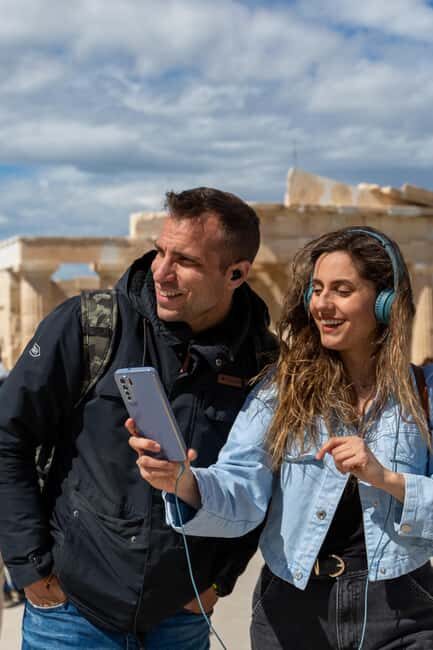
This tour is designed to work offline after you download. That’s great in a place where cell service can be spotty and roaming can be expensive. But it also means you need to prepare before you arrive.
After booking, you’ll get an email from the provider (Culture App) with instructions to download the content. Do yourself a favor and check your spam folder, because those emails often end up there.
On the practical side:
- You’ll need about 200MB of storage on your phone.
- Bring a fully charged smartphone.
- Have earphones with you (they’re not included).
- Download while on Wi‑Fi unless you have enough data to spare.
This is also where your experience can improve or fall apart. If your phone battery dies or the download doesn’t finish, you’ll be stuck staring at ruins without the audio layer that makes this tour worth it.
Getting to the Acropolis (and where to start walking)

This digital tour has no meeting point. That might sound vague, but it’s actually liberating: you can start when the light and crowds suit you.
The simplest approach is metro:
- Take the RED line to Acropolis station
- Walk about 10 minutes to the Acropolis Archaeological site
Once you’re there, the app’s interactive map with GPS location tracking helps you line up your position with the monuments included in the tour. You’re not stuck waiting for a tour leader to appear—you just begin.
Propylaea: Using 3D to understand the approach

The Propylaea matters because it’s the entry sequence to the sacred space of the Acropolis. Standing near it, you might notice fragments and gaps—but the app’s 3D models and audio narration aim to restore the story of how you would have moved through the gateway area.
What I like about starting here is that it sets the tone. Before you get to the headline monuments, you get oriented both physically and historically. The audio and text info give you something to listen for while you walk: details about the space and what it was designed to do.
You’re also not forced into one rigid route. Since the tour includes a map with your location, you can slow down at the points you care about and move on when you’re ready.
Parthenon: Turning ruined space into a mental picture

If the Parthenon is on your list, this is where the app earns its keep. The Parthenon is one of those sites where photographs can mislead you—what you see on Instagram is often missing the “why” and “how” of the full structure.
Here, the tour uses 3D reconstructions and 360° panoramas to help you grasp what the monument would have looked like when it was complete. That visual context pairs with expert audio narration, so you’re not just scrolling through effects. You’re connecting the physical remains to the broader meaning of the building.
This is also where the self-guided format pays off. If you want time to compare angles—like looking at the site from different positions—you can. If you prefer to stay focused and move quickly, you can do that too.
In short: the Parthenon becomes less of a distant icon and more of a real place you can understand with your own eyes.
A few more Athens tours and experiences worth a look






Theatre of Dionysus: Listening for what the stones were for
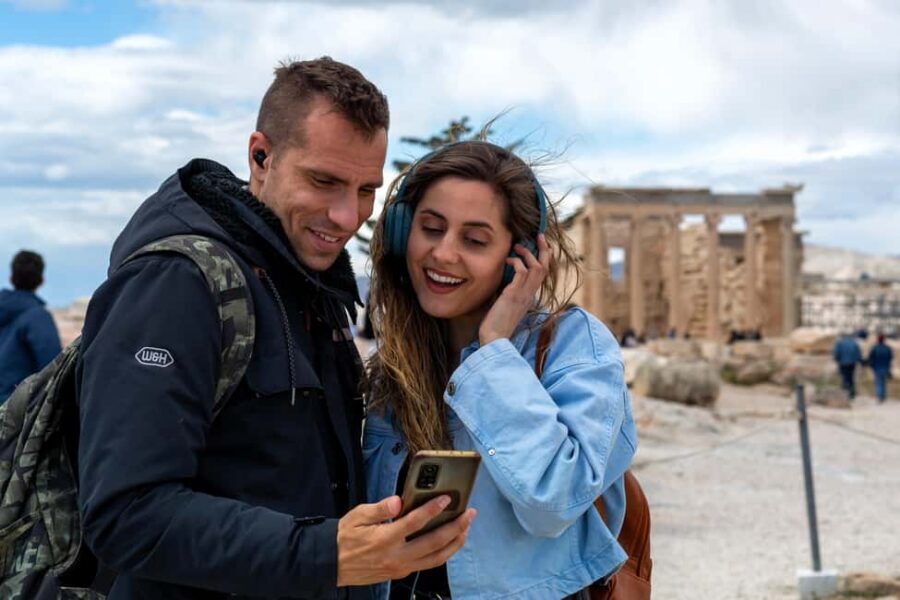
The Theatre of Dionysus is a great choice for a smartphone audio experience because performance spaces come alive through sound and storytelling—even if the “sound” in this case is narration.
With the app, you’re given both:
- Audio narration (expertly described scenes and context)
- Text information to reinforce what you’re hearing
The value here is practical. Instead of treating the theatre as a shape on the hill, you learn what it was for and why it mattered. That turns a semicircle of ruins into a functioning cultural space.
This is also one of the best monuments for solo travelers. You can stand where you want, pause when you need a moment, and keep going when your head is ready for the next part of the story.
17 monuments, 14 videos, and 360° views: How to use all the media

This isn’t just audio—it’s a whole toolbox. The tour includes:
- Text and audio information for 17 monuments
- 3D models and 360° panoramas for 16 monuments
- Videos for 14 monuments
That means you’ll get different types of help depending on what you’re looking at. Videos can be useful when you need a quick orientation. 360° panoramas are helpful when you want to connect monuments to the wider setting. And 3D reconstructions are ideal when the ruins make it hard to visualize the original form.
A practical way to use it:
- If you feel lost, open the interactive map and find the monument matching where you are.
- If you notice gaps or missing pieces, switch to the 3D reconstruction portion of that stop.
- If you want context, lean on the audio first, then skim text.
Also, because the app works offline, you can move through the experience without the constant anxiety of loading screens.
The view up to the sea: Why timing and pacing matter

One of the stated highlights is a unique view of the city up to the sea. The Acropolis is not just about monuments; it’s about being positioned above Athens.
I’d treat this as part of your “reading” of the site. The higher you stand, the easier it is to understand how people once experienced the Acropolis as a dominant center above everyday life. When the light is good and you slow down for a moment, the panoramic idea clicks.
Because this tour is self-guided, you get to pick your moment. If you hate crowds, you can pause and linger only when it feels manageable. If you’re okay weaving through others, you can keep moving and use the app as your anchor.
Languages and audio quality: What to expect in different languages

The tour is available in English, Greek, Spanish, German, French, Italian, Dutch, and Chinese. That’s a lot of coverage, and it matters because audio is a central part of the experience.
The feedback you should take seriously: one person found the Italian audio hard to understand. That doesn’t mean the whole tour fails in every language, but it’s a good reminder that audio clarity and narration quality can vary by language track.
If language accuracy matters to you, try your chosen language during a quick test after downloading—just to make sure it’s what you expect before you enter the site.
Price and value: $9 buys the guide, not the ticket
This tour costs $9 per person for the self-guided smartphone experience. On its own, that’s inexpensive—especially when you consider what’s included: offline audio narration, GPS map support, 3D models, 360° panoramas, and videos.
But the entrance ticket is separate. You must buy the Acropolis entry:
- Full: 30€
- Reduced: 15€
So the real budget question isn’t just the $9. It’s the combined cost of:
- the tour app (cheap, story-focused)
- plus the on-site ticket (what actually gets you into the archaeological area)
In value terms, the $9 fee makes the ticket feel more “worth it.” Without the app, you’re paying for access to the site and doing the historical interpretation yourself. With it, you’re paying a small extra amount to get guided explanations and visual reconstructions in your pocket.
Who this Acropolis tour fits best (and who might skip it)
This works best if you:
- prefer a self-guided visit with no fixed schedule
- like using your phone as a companion rather than relying on a person
- want offline support so you’re not hunting for signal
- enjoy learning through audio and visual reconstruction
You might want to skip (or at least think twice) if you:
- want interactive Q&A with a live guide
- dislike depending on phone battery and earbuds
- need a very structured, step-by-step group experience
- are uncomfortable downloading a large chunk of content ahead of time
It’s also a solid option for solo travelers and couples who want to move at their own pace and spend more time at the places they care about.
Should you book the Acropolis Self-Guided Smartphone Tour?
I’d book it if you want to understand the Acropolis beyond the big headline monuments. The mix of offline audio, 3D reconstructions, 360° panoramas, and GPS map guidance makes the walk easier and more meaningful, especially in a place where the ruins can be confusing.
I’d hesitate only if you dislike app-based experiences or you’re likely to travel with a low-battery phone and no earphones. Also, if you’re hoping for AR-style effects specifically, the provided details point to 3D and 360°—so it’s worth checking that your expectations match what the app actually includes.
If you’re prepared to download the content on Wi‑Fi and use it offline, this is a smart, low-cost way to get more from your Acropolis visit.
FAQ
Is the Acropolis entrance ticket included?
No. The tour app does not include the Acropolis ticket. You must purchase entrance separately (full 30€, reduced 15€).
How long does the tour take?
The estimated duration is about 1 to 1.5 hours.
Do I need an internet connection on site?
No. After you download the content ahead of time, the tour works offline on site.
What languages are available?
The tour is available in English, Greek, Spanish, German, French, Italian, Dutch, and Chinese.
Where do I meet the tour?
There is no meeting point. You reach the site by metro (RED line to Acropolis station) and then walk about 10 minutes.
What do I need to bring?
Bring comfortable shoes, a sun hat, water, and a charged smartphone. You’ll also need your own earphones.
Does it include a live guide?
No. It’s a digital self-guided tour with audio narration and a map.